GTA 6 Graphics and FPS: PS5, PS5 Pro and Xbox Tech Check
Does GTA 6 have a performance mode? Resolution, FPS and ray tracing on PS5, PS5 Pro and Xbox Series X|S according to Digital Foundry, plus the best TV settings.
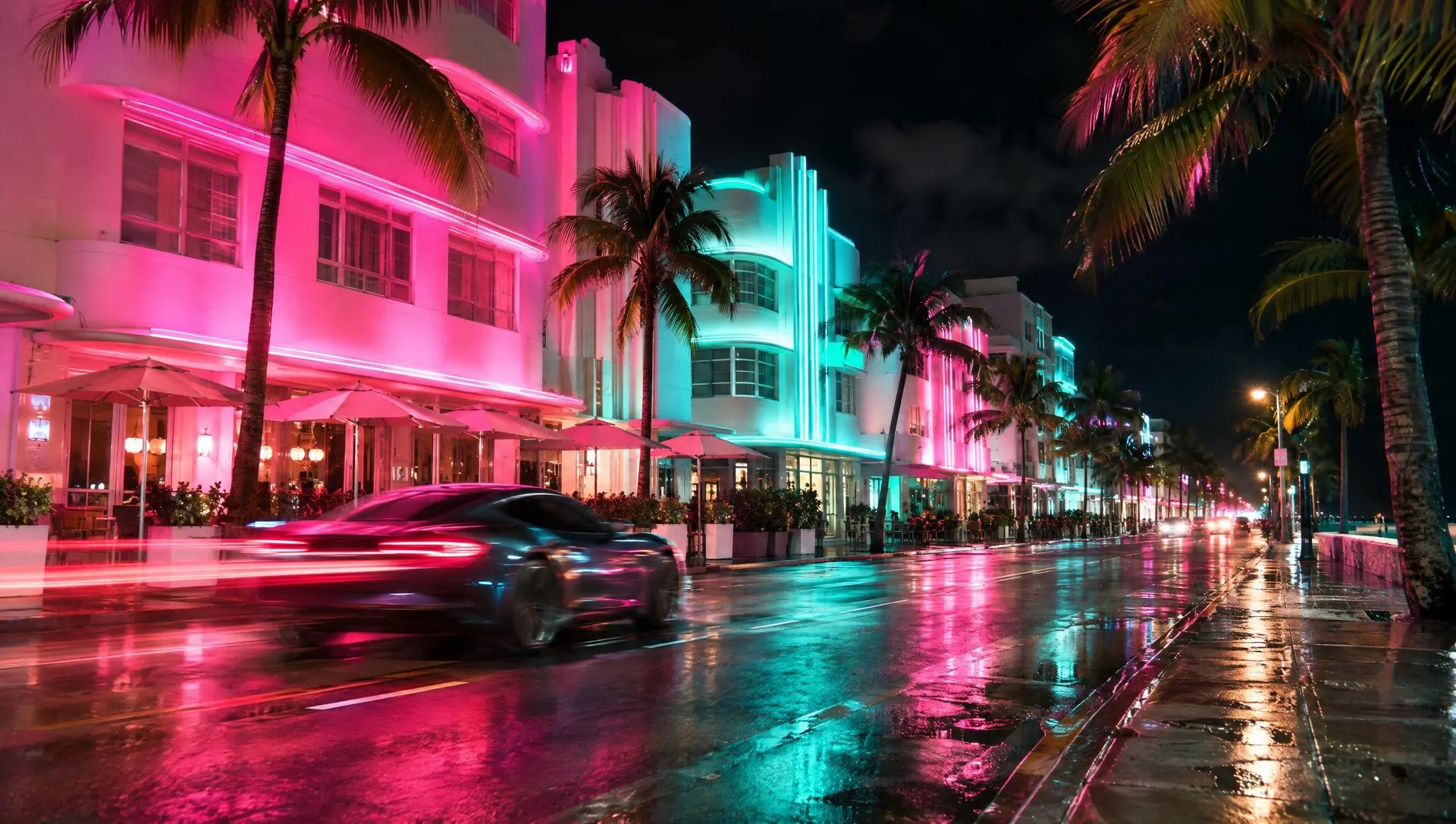
The question of which graphics mode to pick in GTA 6 has a short answer: there isn’t one. The more interesting part is how differently the game runs across the four consoles. Digital Foundry published its analyses of PS5, PS5 Pro, Xbox Series X and Series S today. Here are the results, plus the settings on your console and TV that you can actually change.
As of November 18, 2026, 5 p.m. CET. All measurements come from pre-release review builds. We’ll check after launch whether the day one build or later patches change anything.
The short answer
- No mode to choose: GTA 6 runs at 30 FPS on every console. According to the reviews, there’s no performance mode.
- Best on PS5 Pro: the steadiest 30 FPS, a near-4K image and the only console with ray-traced shadows.
- PS5 and Series X: around 1440p internally, mostly stable, with dips in heavy action.
- Series S: around 720p internally and often below 30 FPS. Digital Foundry recommends another console if you can.
Is there a performance mode?
No. Rockstar confirmed 30 FPS for all consoles shortly before launch, PS5 Pro explicitly included. PlayStation LifeStyle’s review also notes there’s no performance mode.
Digital Foundry explains why: the bottleneck is the CPU, not the GPU. At 30 FPS the game has 33.3 milliseconds per frame to simulate its world. A 40 FPS mode would leave 25 milliseconds, which Richard Leadbetter says would take massive optimization or cutbacks. The PS5 Pro’s CPU is only slightly faster than the base PS5’s.
A datamine of the pre-load found a flag for a 120Hz mode but none for VRR. In theory that could point to a 40 FPS mode later on. None of it is confirmed. If Rockstar adds such a mode, we’ll cover it here.
All consoles compared
| Console | internal resolution | image | ray tracing | frame rate per Digital Foundry |
|---|---|---|---|---|
| PS5 Pro | around 1440p | PSSR, passes for native 4K | lighting, reflections, shadows | near-flawless 30 FPS, brief 24 in a stress test |
| PS5 | around 1440p | basic upscaling, visibly 1440p | lighting, reflections | small dips, 23 FPS at worst |
| Xbox Series X | around 1440p, fairly fixed | softer than PS5 Pro | reflections, reports don’t list more | mostly 30 FPS, around 20 in chaotic scenes |
| Xbox Series S | around 720p, 1080p output | softer, messier shadows | reflections kept | often mid to high 20s, around 20 in heavy scenes |
On Xbox Cloud Gaming, GTA 6 streams with Series S settings, according to Rockstar. Your connection affects the result on top of that.
PS5 Pro: is it worth it for GTA 6?
For the cleanest image, yes. The Pro also renders at around 1440p internally, and PSSR turns that into something Digital Foundry says passes for native 4K. It also gets ray-traced shadows, exclusive to the Pro, which clean up the chunky shadow edges you see on the base PS5. Over more than 50 hours of normal play, Digital Foundry found no noticeable dips. Only an explosion stress test briefly pushed it down to 24 FPS.
The Pro isn’t flawless either. GamingTrend mentions occasional PSSR artifacts, and Kotaku noticed slowdown on crowded Vice City streets and during big police shootouts, though it says it never became unplayable.
What the Pro won’t give you is more frames per second. If you’re upgrading just for GTA 6, you’re buying a sharper and steadier picture, not a smoother one.
PS5 and Xbox Series X: close behind
Both render at around 1440p internally and, according to Digital Foundry, look excellent, with praise for the lighting, reflections and hair. The differences show up under load:
- PS5: small but noticeable dips even in normal play. In the worst case, with a grenade launcher and exploding cars, it fell to 23 FPS and stayed there until the player left the area.
- Series X: mostly holds a clean 30 FPS, and cutscenes run without stutter. In wild firefights it reportedly drops a little lower than PS5, to around 20 FPS.
For most of your playtime, that barely matters. Digital Foundry still rates it as smoother than previous GTA games at launch.
Xbox Series S: the problem child
The Series S keeps the key effects, including the strand-based hair and the ray-traced reflections, and Digital Foundry says the image looks better than its roughly 720p suggests. The issue is frame rate: even regular driving often sits in the mid to high 20s, and demanding fights drop to about 20 FPS. Digital Foundry’s Oliver Mackenzie advises playing on another console for now if you have that option.
If a Series S is all you have, you can still jump in. The reviews describe cutscenes and quieter stretches as fine.
The best settings for your console and TV
The game itself has no graphics modes. What you can tweak mostly lives on your console and TV:
- Turn on your TV’s game mode: It cuts input lag, which you’ll notice when aiming at 30 FPS.
- Calibrate HDR: Digital Foundry measured HDR peaks around 1,500 nits. On PS5, go to Settings > Screen and Video > Video Output > Adjust HDR. On Xbox, you’ll find the calibration in the TV & display options.
- 120Hz isn’t a must: At 30 FPS, a higher refresh rate brings no benefit right now.
- Leave motion blur on: PSU says it makes 30 FPS feel smoother. Whether it can be switched off isn’t confirmed yet.
- Tune your DualSense: Rockstar says you can adjust haptic strength in the accessibility settings.
Our take
30 FPS isn’t news anymore, and the reviews show it’s no drama for most players. The PS5 Pro is clearly the best choice, while PS5 and Series X deliver an excellent result with the occasional hitch. Only the Series S is a compromise you should know about going in. A performance mode would be a nice patch down the line, but don’t count on it.
Keep reading
What Rockstar confirmed about the tech ahead of launch is in GTA 6 on PS5 Pro and Xbox: 30 FPS, ray tracing and cloud gaming. How much space you need on each console is covered in our file size guide. And why the reviews still land at a Metascore of 99 despite 30 FPS is in GTA 6 reviews: Metascore 99.
We sum up every figure from Digital Foundry’s analysis in our news piece GTA 6 tech review: Digital Foundry tests PS5, Pro and Xbox.
FAQ
No. Rockstar confirmed 30 FPS on every console, including PS5 Pro. According to the reviews, there's no mode to choose from. Digital Foundry points to the CPU as the limit.
According to Digital Foundry, the PS5 Pro: an almost flawless 30 FPS, a near-4K image thanks to PSSR and exclusive ray-traced shadows. PS5 and Xbox Series X are close behind, while Series S falls clearly short.
Playable but choppy. Digital Foundry counts around 720p internally and frequent frame rates in the mid to high 20s, dropping to about 20 FPS in heavy scenes. If you have the choice, Digital Foundry suggests another console.
Not really, for now. The game runs at 30 FPS. A datamine found a hint of 120Hz support, but Rockstar hasn't announced a 40 FPS mode.
Sources
- AltChar: Digital Foundry finds dips to 23 FPS on PS5
- TwistedVoxel: Digital Foundry on PS5 Pro vs PS5
- VGC: Digital Foundry on Xbox Series S
- Pure Xbox: Three takeaways from Digital Foundry's Xbox analysis
- AltChar: Xbox Series X drops to around 20 FPS in heavy action
- TweakTown: Digital Foundry on a 40 FPS mode
- Shacknews: GTA 6 runs at 30 FPS on all consoles
- PlayStation LifeStyle: GTA 6 review
- Kotaku: GTA 6 review
- Insider Gaming: Datamine hints at 120Hz, no VRR
- PlayStation: Grand Theft Auto VI features
- PlayDay: PS5 Pro enhancements and Xbox Cloud Gaming confirmed
- PlayStation Universe: GTA 6 review
- GamingTrend: GTA 6 review
This guide is based on the linked sources and community reports. Game content can change with updates.